 Daily Tracker
A kid’s screen and a baby mode, inside the family app
Kids get a view of their own: their chores, their stars, their lists. Babies get a screen of toys to tap, and there is no way out without an adult.
Household plan · $4.99 a month or $39 a year
Why it helps
A view of their own
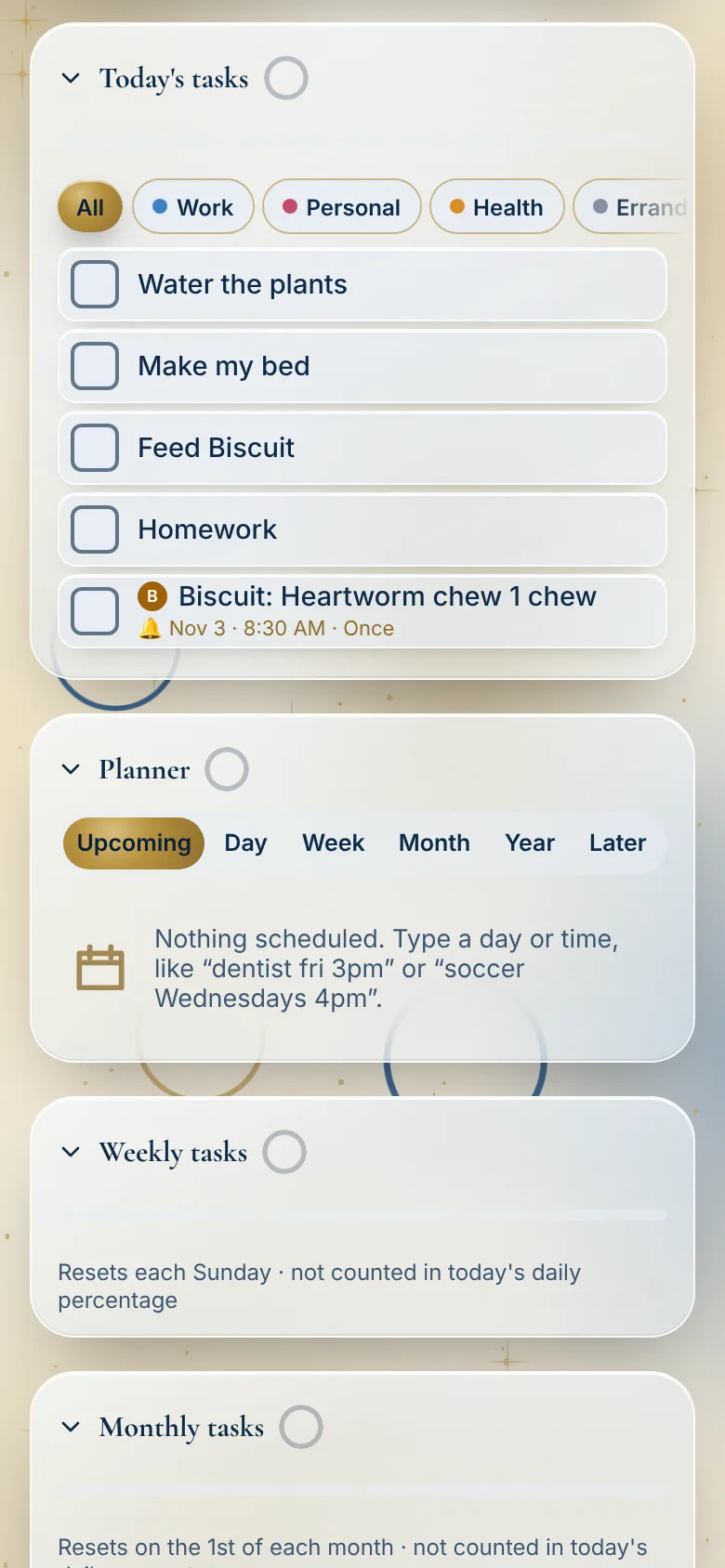
A child sees their own lists and chores. Their lists are private to them.
Adult things stay with adults
A child can’t change dinner, clear reminders or touch medicine. An adult PIN guards the rest.
Baby mode
Stars, bubbles, a ball that rolls when you tilt the phone, and fish. Nothing else to tap.
How it works
Pick the child
Tap their name in the people bar. The page becomes theirs.
They tick, they earn
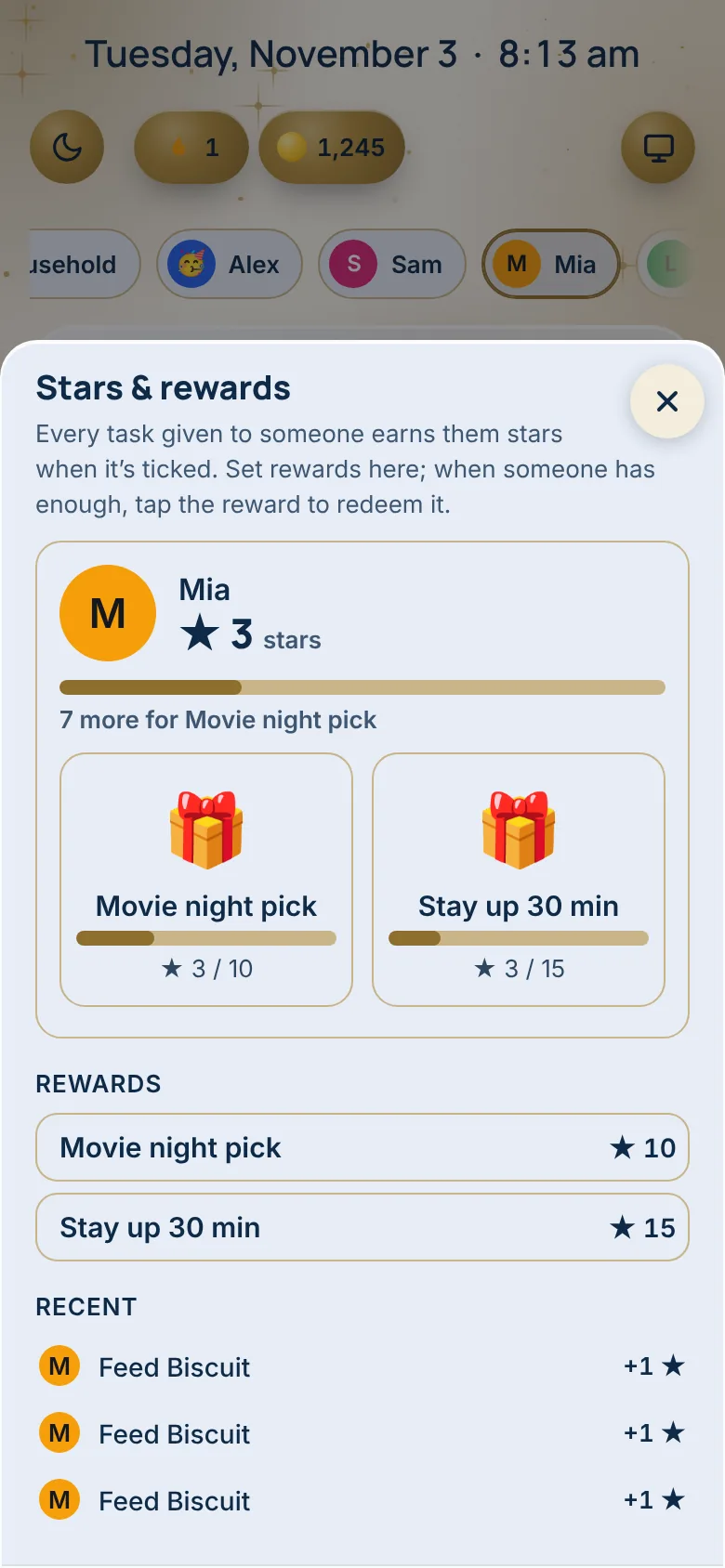
Each chore ticked is a star, and stars buy the rewards you set.
Hand a baby your phone
Baby mode fills the screen with soft toys. Press and hold the top corner for 3 seconds to leave.

Made for real households
- Waiting at the doctor’s
Turn on Baby mode and hand over the phone. Nothing else can be tapped.
- A seven-year-old’s morning
Make my bed, feed the dog, homework. Mia ticks them herself and earns her stars.
- A teen’s own lists
Teens keep their own lists private, and adults keep theirs.
- Asking for tacos
A child can ask for a dinner, and an adult decides.
Watch it
Questions
What can a child not change?
A child can’t change dinner, clear reminders or touch medicine, and an adult PIN guards everything else.
Are a child’s lists private?
Yes. Kids and teens keep their own lists private.
How does my child leave Baby mode?
They can’t on their own. An adult presses and holds the top corner for 3 seconds.
What is in Baby mode?
Stars, bubbles, a ball that rolls when you tilt the phone, and fish to tap. Nothing else on the screen can be opened.
What is Hide and seek?
Little friends drawn for the app hide beside a tile’s title or in a corner, one to three a day for each person. Tap one and it goes on that person’s shelf, with 24 to find. It is off until an adult turns it on, in the menu under your picture, Tools, Hide and seek.
Can I turn the PIN off?
Yes. Tap your picture at the top right, then Manage Family Members, scroll to PINs and tap No PIN. Baby mode still needs the 3-second corner hold to leave.
Which plan has the kid’s screen and Baby mode?
The Household plan: $4.99 a month or $39 a year, with 30 days free and no card to start.
Works well with
Try it at home for 30 days
No card to start. We’ll remind you before it ends, and you can cancel any time.
Start your 30 free days