 Daily Tracker
A work shift planner that sits next to your to-do list
Bring your shifts in from UKG with a link or a screenshot, and see them in your Planner beside everything else you have to do.
In both plans · Personal $1.99 or Household $4.99 a month
Why it helps
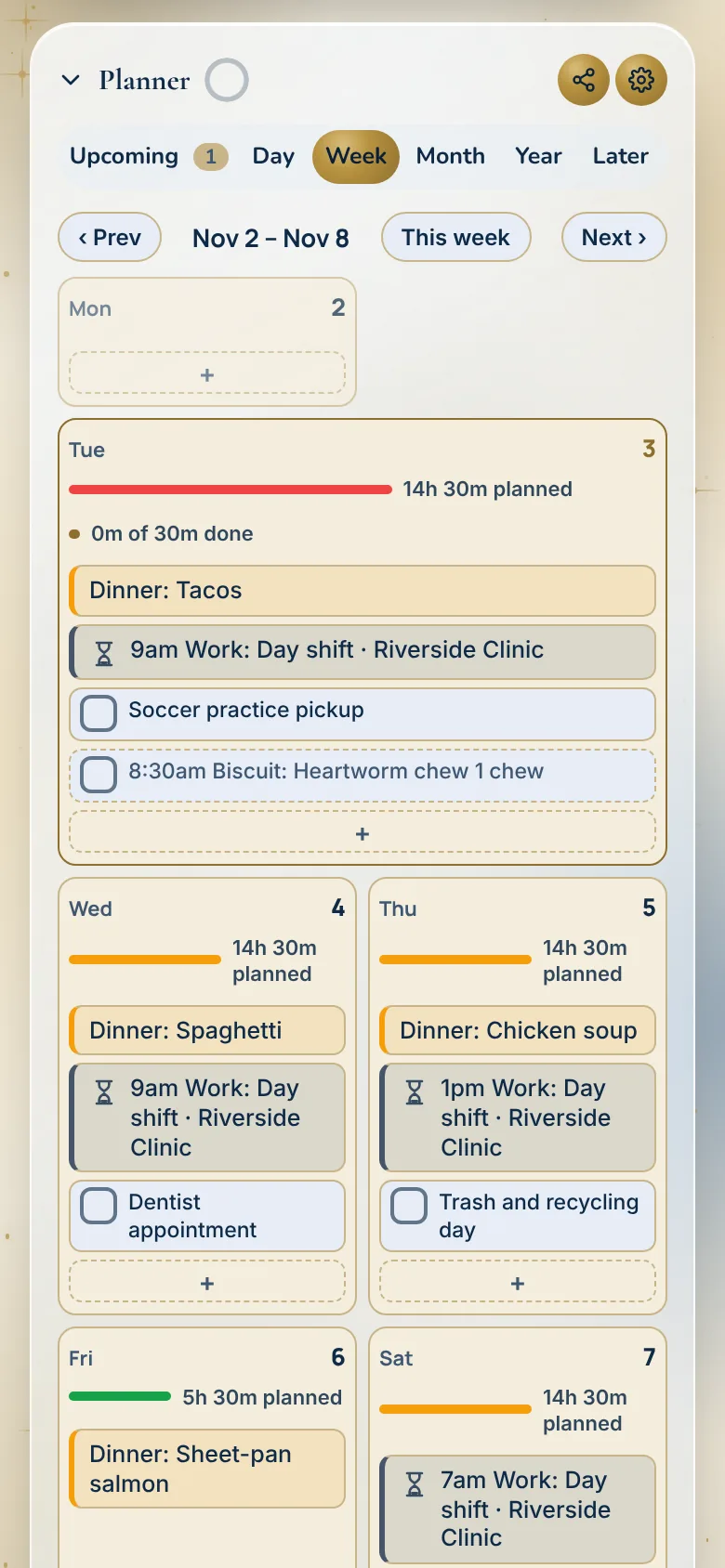
Shifts and tasks in one day
See your shift right next to the dentist and the school pickup, not in a separate app.
From UKG, with a link or a screenshot
Paste your schedule’s calendar link or take a screenshot of it. You never give the app your work login.
Plan around your hours
Drag tasks onto the free hours of the day, and see what is coming up next.
How it works
Bring your shifts in
Tap Import Schedule Picture over the Planner tabs and pick a photo or screenshot of your schedule, or paste your UKG schedule link.
See them in the Planner
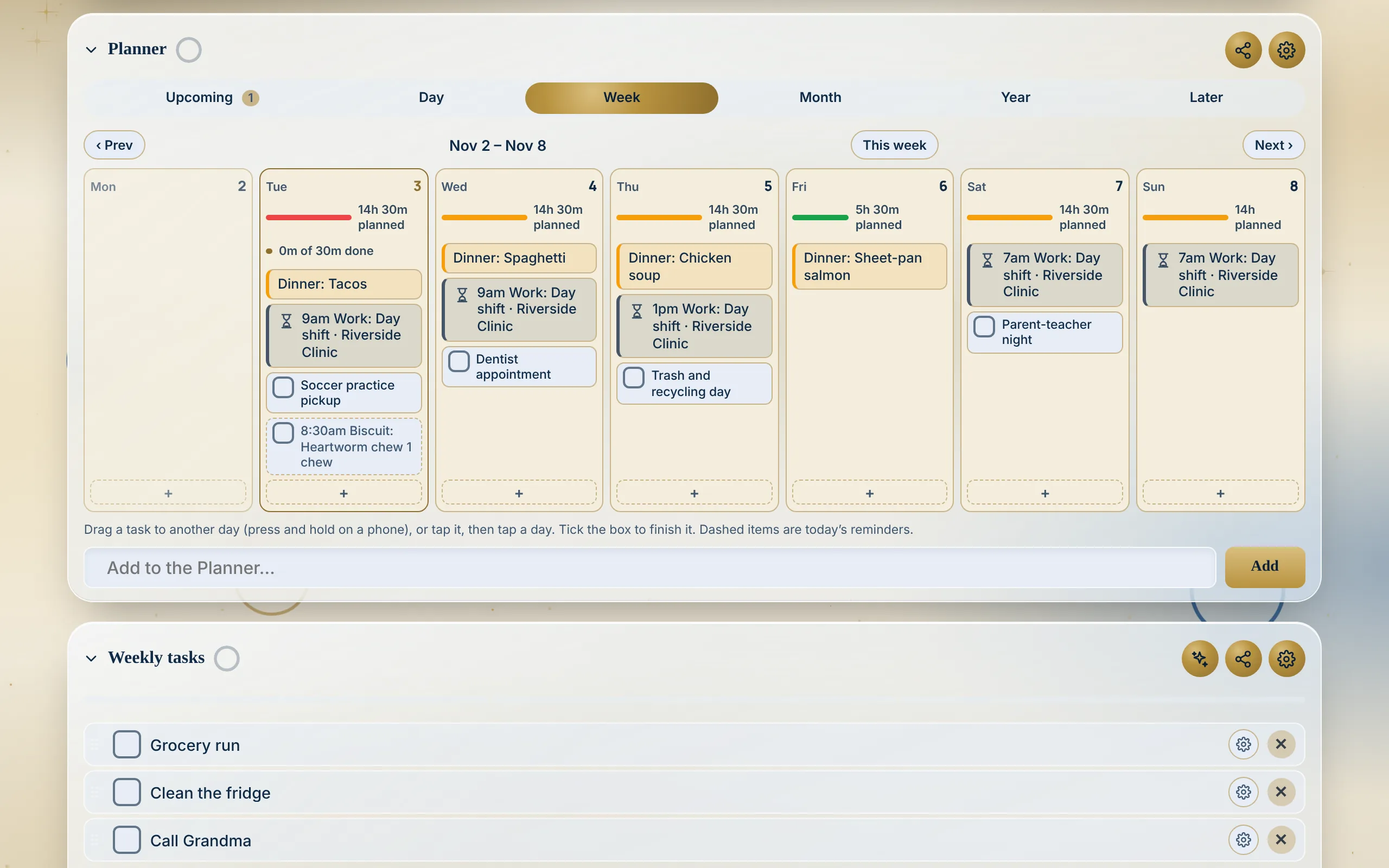
Shifts show as work blocks on the Day and Week views, and in Upcoming.
Plan around them
Drag a task onto a free hour. The day’s bar warns you when you have planned more than the day holds.
Made for real households
- Nurse on rotating shifts
Day shifts this week, an evening shift Thursday. The Planner shows each one next to the family’s plans.
- Two jobs
Both schedules sit in one week, so nothing is double-booked.
- A household of shift workers
Each shift belongs to its person, so the house sees who is at work when.
- Coming up next
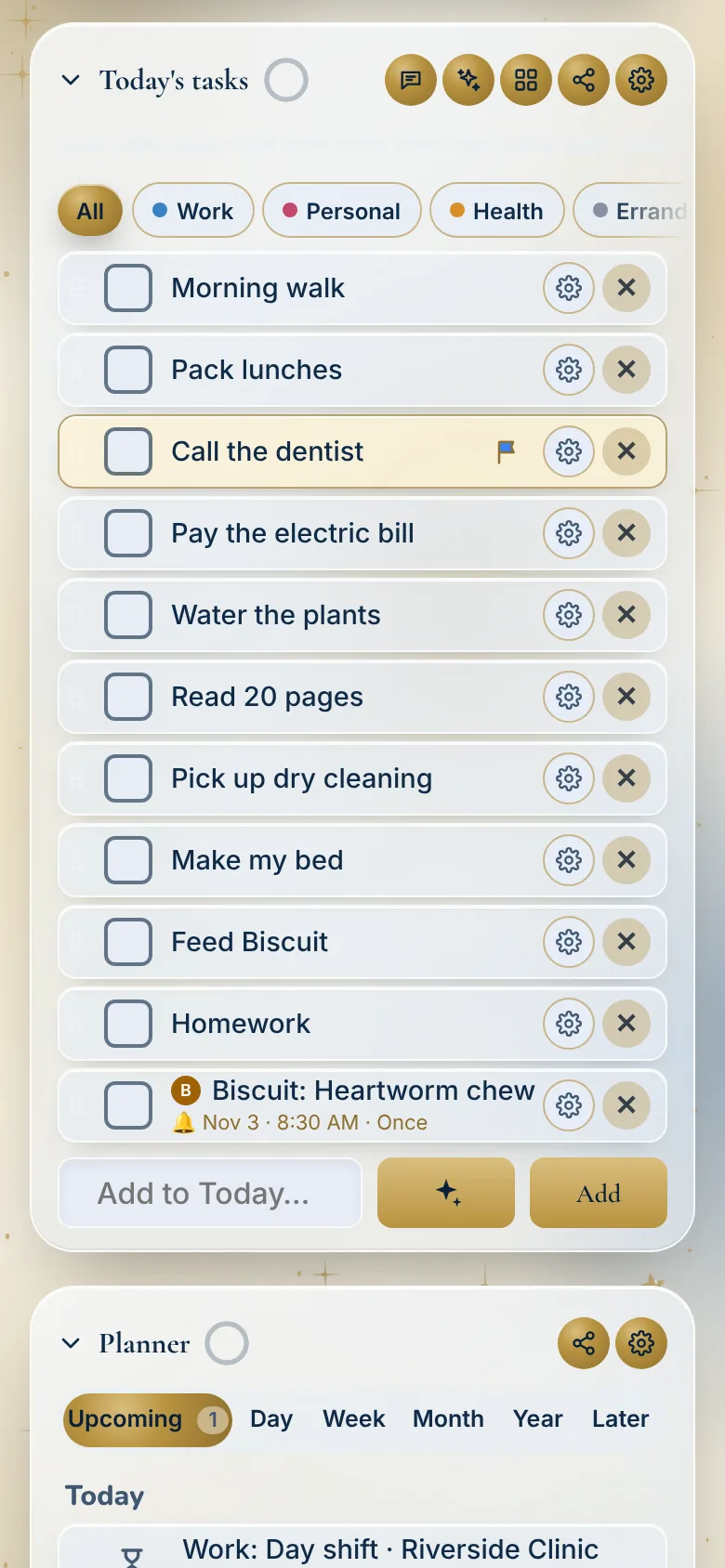
Your next shift sits in Upcoming with everything else that is close.
Watch it
Questions
Which schedules can it read?
A photo or screenshot of a schedule: tap Import Schedule Picture over the Planner tabs and pick it. Or paste a schedule’s calendar link, from UKG, When I Work, Deputy, Homebase or 7shifts, in the Planner’s calendar settings under Import Schedule.
Is it only for work?
No. When you import a schedule you say whose it is and what it is: Work, Class, Sport or Other, like a yoga class or soccer practice.
Do I give the app my work login?
No. Daily Tracker never asks for your work login.
Where do my shifts show up?
In the Planner, as work blocks on Day and Week, and in Upcoming.
In a household, whose shift is it?
Each shift belongs to its person. A shift with no person belongs to the account owner.
Can I mark a shift as off or swapped?
Yes. Tap the shift and pick Off, Sick, Vacation, Swapped or your own word, and add a note if you like. The shift stays on the calendar with its tag, and its hours count as free time again.
Which plan has the shift planner?
Both plans. Personal is $1.99 a month or $19 a year, and Household is $4.99 a month or $39 a year, each with 30 days free.
Works well with
Try it at home for 30 days
No card to start. We’ll remind you before it ends, and you can cancel any time.
Start your 30 free days